
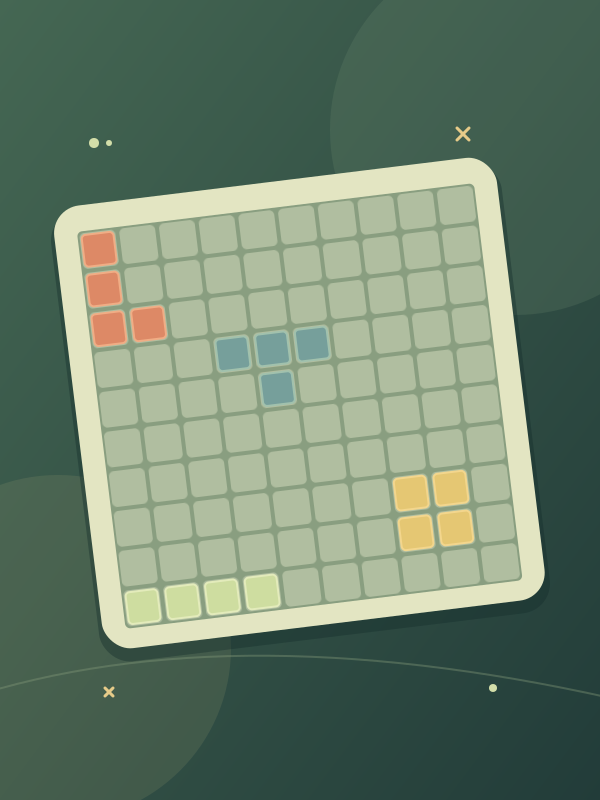
Place all three to get the next set
Press Start game, then choose NEW GAME inside the game. Look at all three shapes below the 10×10 board before placing one.
Drag a piece into empty cells and release it. Pieces keep the orientation shown in the tray. Dropping outside the grid returns the piece to the tray. Place all three pieces to receive another set.
Build a line and keep an open patch
A full row or column clears. Use the open cells it leaves to fit later shapes. Small isolated gaps can be harder to fill than a larger open patch.
Check the largest available shape before using smaller pieces to close a gap. There is no need to rush a drag; inspect the fit before releasing.
Drag with a pointer
On desktop, click and hold a piece, drag it onto the board, then release. GamePix also lists one-finger dragging on touchscreens.
Use the game’s own menu buttons for its options. Full screen can give the board more room when your browser supports it; Exit game closes the window.
GamePix play and age requirements
GamePix games are for players aged 13 or older who also meet the minimum age required in their country. This page uses the standard GamePix game window.
The game loads from GamePix after Start game, requires an internet connection and may show publisher advertisements. GamePix handles its game data under its own privacy policy.
This page cannot read or recover a GamePix save. Use any pause or save option inside the game before leaving. Reload reopens the window and can reset the current run.
The GamePix edition of TenTrix
GamePix lists gamepix as the creator of this edition. The provider serves the live game and its art, audio, branding and advertisements. This site supplies the outer page and controls.
Updated