
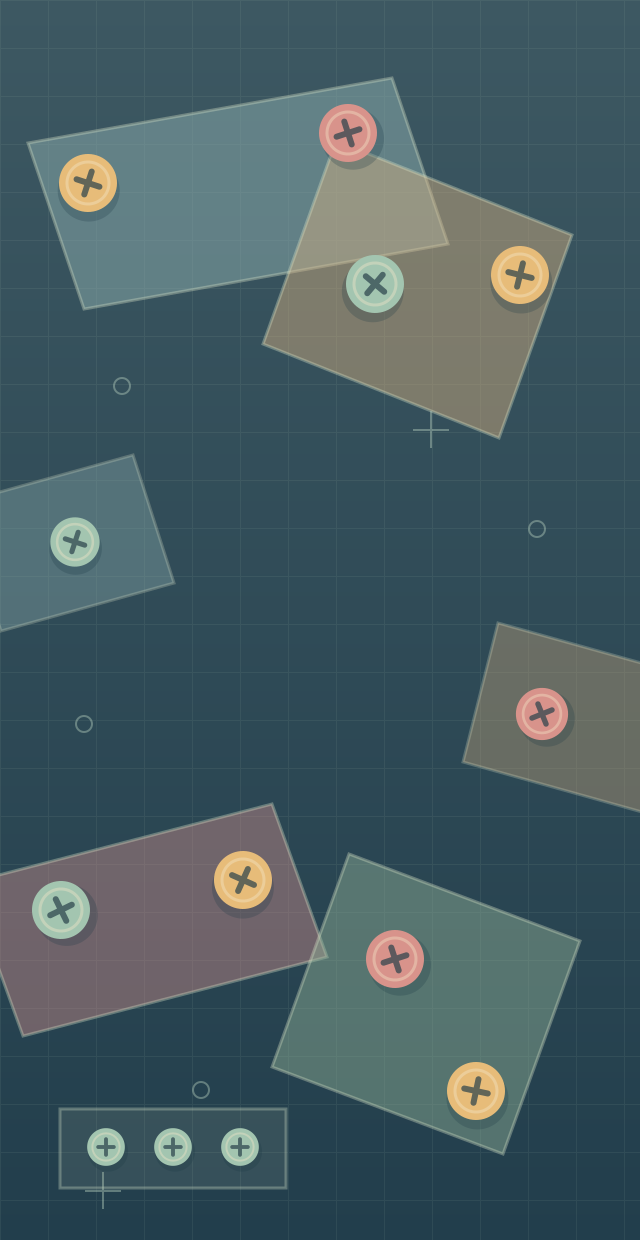
Match exposed screws to open boxes
Press Start game, then use Play inside the game. In the opening color puzzle, look at the collection boxes at the top. Select an exposed screw of a matching color; it moves to that box automatically.
Three matching screws fill a box. The replacement can have a different color, so check the boxes again before the next selection.
Watch what becomes reachable
A plate can rotate or fall when its supporting screws are removed. Wait for it to settle and inspect the newly exposed screws before choosing another move.
The provider lists limited spare slots for screws waiting for a matching box, along with helper offers. Check their current explanation and cost inside the game.
Keep the two modes separate
Use left-clicks on desktop or the touch controls listed by GameMonetize. Select screws and menu buttons directly.
The publisher describes selecting a screw and then an empty hole in Unscrew mode. That instruction belongs to Unscrew, not the opening color-collection puzzle. Follow the goal shown for the mode you entered.
The publisher lists Restart and Home in the game’s Pause menu. Read any confirmation before leaving the current puzzle.
The provider handles the game session
GameMonetize loads the game after Start game. Internet access is needed and publisher ads may appear. Exit closes the window, while Reload opens it again.
The provider describes progress kept in the browser. This page cannot read, back up or restore that record. Use any in-game save instructions before leaving; separate browsers, devices or play windows can have separate progress.
YIGOT’s layered screw puzzle
This is the GameMonetize edition listed under YIGOT. The game, its art, audio, brand and advertisements remain with the provider and their respective owners.
Updated