
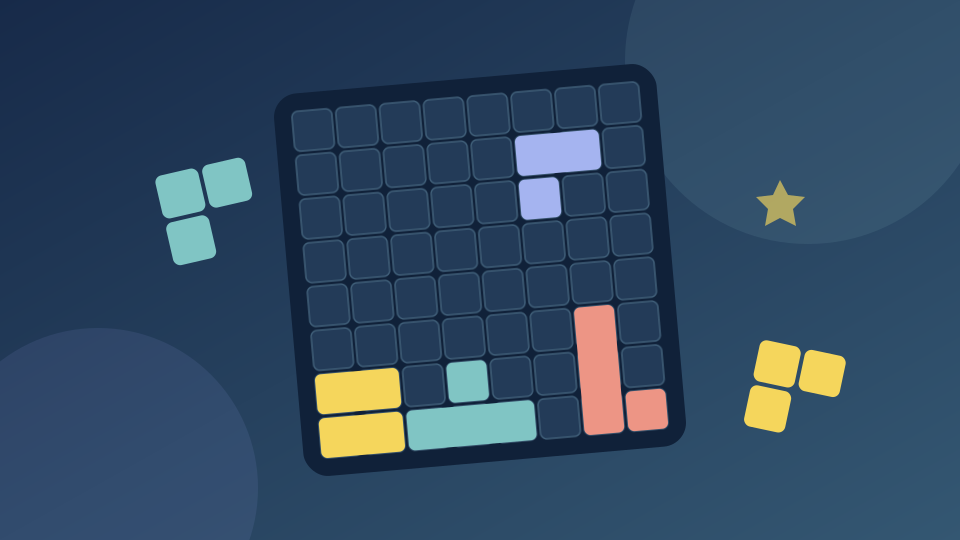
Get from the menu to your first line
Choose Start game above. If the provider shows a promotion, use its Continue game or Skip Ad button when it becomes available, then select Classic. A first visit may show a small 5×5 teaching board before the main 8×8 game. Follow its highlighted row or column.
Look at the three shapes in the tray. Drag a shape into empty cells, then release. Filling an entire horizontal row or vertical column clears those cells. On the main board, use all three pieces before the next set arrives.
The Classic score starts at zero. In our play check, clearing one full line added 10 points. Merely placing the first three pieces left the score at zero, so work toward a line rather than treating every placement as a point.
Watch the preview above your pointer
Click and hold a shape before moving it. The game lifts the shape above the pointer, so the preview on the grid is a better guide than the cursor itself. Release only when the full shape fits inside empty cells.
A shape that overlaps an occupied cell or falls outside the board returns to the tray. Try a clearer open area and watch the preview settle before releasing. The mouse controls work best with enough room to see both the board and the tray.
Check the largest piece first. An open patch that can take several shapes is usually more useful than a scattering of isolated single-cell gaps.
An untimed block puzzle: Classic has no move clock
Classic does not impose a countdown for each move. You can inspect all three pieces and plan the order. The challenge is keeping legal spaces available as the board fills.
The menu also offers Adventure as a separate mode. These opening tips cover Classic; use Adventure’s own displayed objectives if you choose that mode. A provider advertisement or loading countdown is separate from a puzzle move timer.
Choose between an 8×8 and a 10×10 board
This edition of Block Blast uses an 8×8 Classic board. TenTrix uses a 10×10 board and also asks you to place a set of three shapes before receiving another set. The different board sizes give the same line-clearing idea a different amount of space.
Choose 2048 when you would rather slide and merge numbered tiles. Its controls and goal differ from placing a shape from a tray.
Start a fresh Classic board
Open the gear menu and choose Retry to clear the current board. In the checked game, Retry returned the score to zero and dealt a fresh set of shapes.
Use the surrounding Exit game button when you are finished. It closes the provider window. This page does not promise that a board or best score will survive a reload, a different browser or cleared site data.
The game, its provider and your progress
OnlineGames.io identifies FreezeNova as the developer of this Block Blast edition. The embedded menu displays Block Puzzle and FreezeNova. These instructions describe that browser game; they do not document the similarly named mobile app.
Choose Start game to connect to OnlineGames.io. Its player needs an internet connection and may show advertisements or a Continue game screen. Use the controls offered by the provider when they become available.
Play Games Daily supplies the surrounding controls and original decorative cover. The game itself remains on the provider’s service. Reload or Exit game can end an attempt; this site cannot export or restore the provider’s save. A recent-games shortcut is separate from saved progress.
Updated