
Start with a little sand
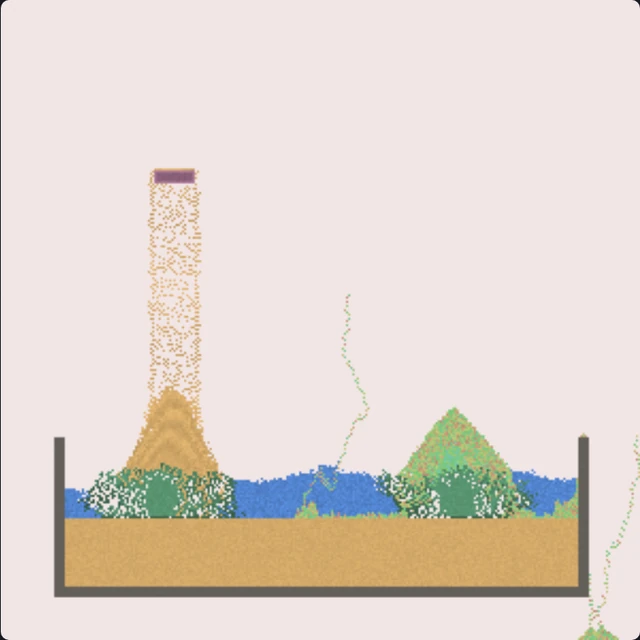
Choose Sand, then draw across the canvas. Switch to Water and add a pool below it. Use Wall to make a container and Erase to remove material from an area.
The brush size changes how much you draw. Wind is a tool for pushing the scene around; it is not another material that stays where you paint it.
There is no score or final level. Build something, see how it behaves, and change one part at a time.
Build while paused
Use the game’s Pause control to hold the simulation while you arrange a scene. Resume when you are ready to watch it move. This is especially useful when you want two materials to meet in a particular place.
Reset clears the canvas. Undo can restore the scene from before that reset. Erase only clears the area under your brush. The separate Pause control in the outer toolbar pauses the whole player.
Six small things to try
Try sand sinking through water, ice spreading across a tank, or a cloner making a growing pile. Our experiment guide gives the starting arrangement, the observation and an actual before-and-after image for each setup.
Your canvas lasts for this session
This edition does not save your scene when you exit or reload the player. A screenshot is a picture of your work, not a file that this player can reopen. There are no community uploads, accounts, scene imports or cloud saves here.
Mouse drawing and a touch drag in Chromium’s phone emulation have been checked. The game needs WebAssembly and WebGL. Real phones, Safari and Firefox have not been certified by these tests.
Max Bittker’s sandbox, locally hosted
This edition uses Max Bittker’s Sandspiel cellular rules, fluid simulation and shaders from the fixed source revision 9936e06. The player controls are local to this site. The original community services are separate.
Sandspiel Studio is a different project for building and sharing simulations. Instructions for its editor or saved creations do not describe the player on this page.
Updated