
Put two countries at the same scale
Open Compare and choose two countries from the 28 available outlines. The desk shows their approximate mapped-area ratio. Swap the pair or stack the outlines to make the difference easier to see.
The outlines share one area scale. A country with four times the area has twice the linear size at that scale. Compare does not require a quiz result or change your chart score.
Five questions for a daily chart
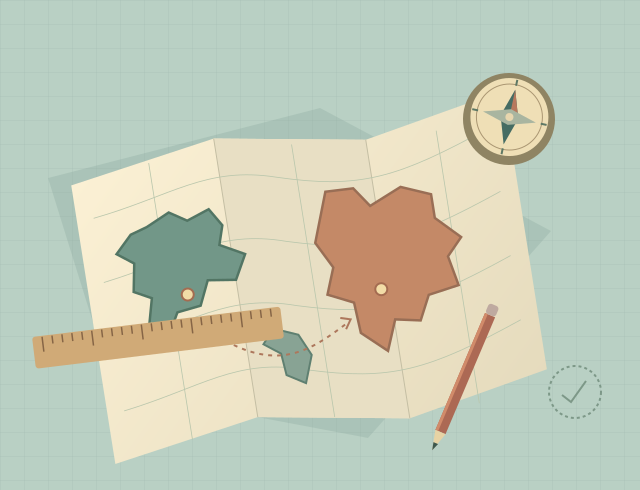
In Daily chart, resize the orange country relative to the green reference, then reveal the answer. Keep the dashed guess visible to compare it with the mapped size, or hide it for a cleaner view.
Each UTC date has five questions using ten different country outlines. Field practice offers another locally selected five-stop chart. Complete all five reveals to file a chart and make a share postcard.
Drag, slide, or type a ratio
Drag the orange outline horizontally, move the slider, use the plus and minus buttons, or type a decimal ratio. Preset ratios provide another starting point.
On the map, arrow keys adjust the guess, Shift plus an arrow changes it faster, and Home or End moves to a limit. Mouse and touch controls share the same desk.
What these areas describe
The game uses 28 selected features from a fixed Natural Earth map. Its ratios and square-kilometer figures estimate the area of that low-resolution geometry. They are not current official country-area statistics.
Small islands, lakes and coastline detail missing from the source stay missing here. This selection is not a complete world atlas, and its boundaries reflect that fixed map source.
Keep a chart in your journal
Your chart progress, local records and comparison preferences stay in this browser. Return with the same browser and site; if storage is unavailable, the current visit can continue without a lasting journal.
Completed charts can produce share text and a 1200 × 1500 PNG postcard on your device. The game and desk artwork are original; the underlying Natural Earth map data are public domain.
Updated