
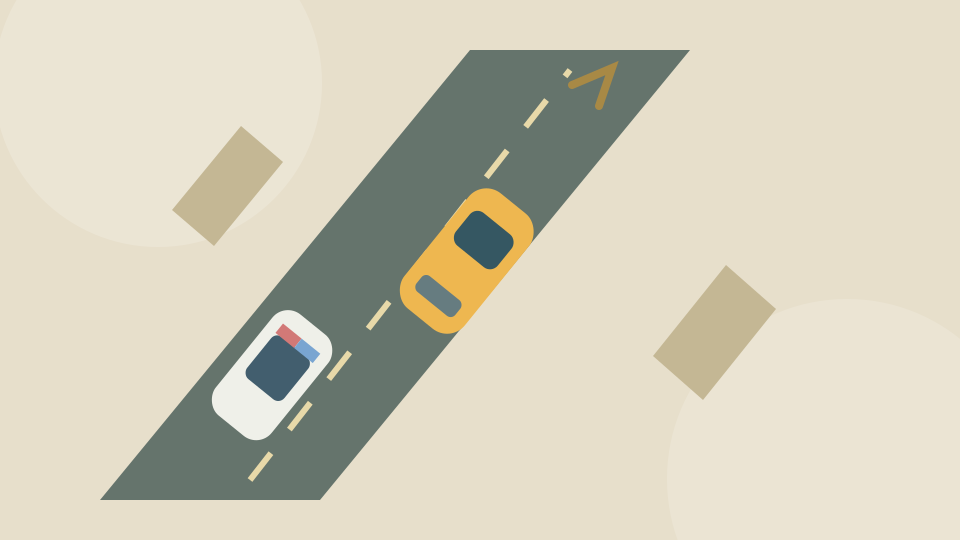
Start steering into the chase
Choose Start game above. The official entry may show a loading, Play or Continue game screen before the game opens. Follow the controls the provider offers.
At the Steer to Start prompt, use A or D. Once the chase starts, make short steering corrections to stay on the road. The camera and pursuing vehicles keep moving, so avoid committing to a long turn before you see the space ahead.
Keyboard steering
OnlineGames.io lists A/D or the arrow keys for steering. Click inside the game so it receives keyboard input. A desktop keyboard and a landscape view are recommended for this guide.
The provider also lists boost, rockets and vehicle switching. You can learn the starting route and retry without buying a different car or mastering those extra actions.
What to do after a failed chase
After Busted appears, choose Play to retry or Garage to return to vehicle selection. The garage lets you browse vehicles; check the price shown before choosing a locked one.
On your next run, change one thing: steer a little earlier, leave more space beside a wall, or avoid turning into a cluster of vehicles. This is a guide to starting and retrying, rather than a promise that a particular route will always escape the police.
Creator, connection and progress
OnlineGames.io identifies FreezeNova as the developer of Escape Car 2. This page uses that provider’s official sequel entry.
Starting the game connects to OnlineGames.io. Internet access is required, and provider advertisements or a Continue game screen may appear. Use the controls offered by the provider when they become available.
Play Games Daily provides the surrounding page and original decorative cover. The live game remains on the provider’s service. The provider controls its browser storage; this site cannot export or restore the game’s progress.
Updated